REFINE BY CONTENT TYPE
Showing 11–20 of 20 results
How-to-Guides
If your pipette loses Bluetooth connectivity during a run, PipettePilot® will display a notification that the connection has been lost. Watch this video to learn how to reconnect.
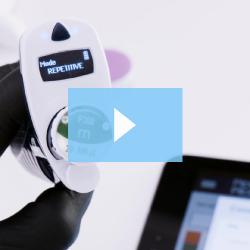
Learn how to choose from a variety of mixed modes for your run when using the PipettePilot® app by watching this informative video.
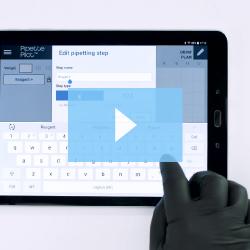
There are two basic ways to create a plan with PipettePilot®: draw your own plan or create a quick plan. Learn how to create a Quick Plan by watching this video.
Find out the recommended way to store, charge, and keep working when your PIPETMAN® M Connected has a low battery by watching this video.
When it's time to update your pipette's firmware, PipetteScope® will notify you. Learn more by watching this video.
Here at Gilson, we provide a range of trusted lab solutions that can be easily integrated into your qPCR and RT-Lamp testing workflows to deliver reliable data and streamlined results. See how our instruments and services can support you throughout each step of the procedure in this edition of Fluid News.
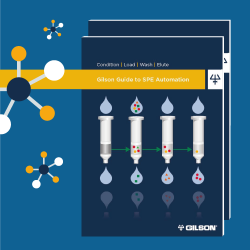
As you go through the steps of SPE method development or transferring a manual method to your automated system, reference this guide as both a resource and step-by-step troubleshooting handbook. This guide provides a background for the technique and explains the science of solid phase extraction (SPE). It also offers practical advice for automating workflows via Gilson SPE systems and software.
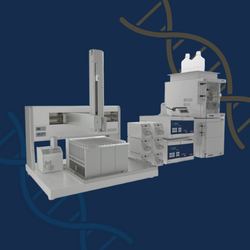
Custom manufactured oligonucleotides require additional purification steps after synthesis to separate the full-length product from failing sequences and small impurities. In this infographic, we highlight how to accelerate purification for enhanced productivity and scalability with automation.
Discover how qPCR Assistant, paired with PIPETMAX® 268 and PIPETMAX® 278, simplifies automated qPCR setup for tens or hundreds of samples, with no programming required. Create singleplex or multiplex protocols, manage sample data with ease, and eliminate manual entry errors. With optimized plate setup, flexible automation, and support for various qPCR cyclers, this intuitive tool boosts reproducibility, traceability, and efficiency in your lab. Learn how to build and run your own workflows in minutes.
Normalization Assistant simplifies the creation of automated normalization protocols without the need for programming. Designed to support flexible workflows, it enables users to import and export sample data, perform QC checks, and configure normalization patterns tailored to a wide range of experiments. With intuitive setup and auto-generated protocols, it reduces manual entry errors and enhances reproducibility, allowing researchers to focus on their science and accelerate their results.